

Face Swap Photo Instantly with AI-Powered Precision
Transform any photo with a single tap. FacePika delivers flawless face swap results with natural skin tone matching, seamless blending, and high-resolution output — all processed locally on your device.

📸 Supports JPG, PNG, WEBP — up to 4K resolution output
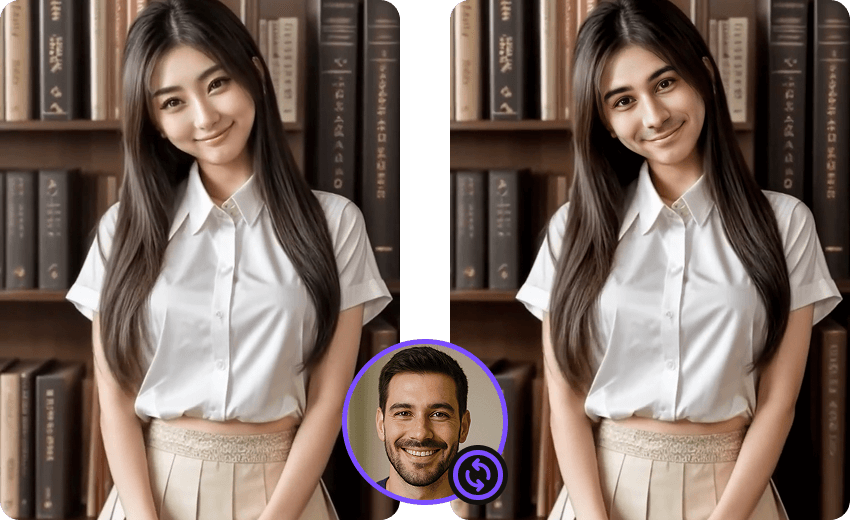
Why FacePika Is the Best Face Swap App for Photos
FacePika uses advanced AI to deliver photo-realistic face swap results. Whether you're creating fun content or professional edits, our photo face changer handles every detail — from lighting adaptation to pixel-perfect skin tone matching.
- One-Tap Photo Face SwapSelect any photo from your gallery and swap faces instantly. No manual editing required — our AI detects faces, aligns features, and blends seamlessly in seconds.
- 100% Private & SecureEvery photo face swap is processed entirely on your device. Your pictures never leave your phone — no cloud uploads, no data collection, complete privacy guaranteed.
- High-Resolution OutputExport face swap photos in full HD or 4K resolution. Perfect for printing, social media, or professional use with no quality loss during the transformation.
How to Face Swap in Photos
Create perfect face swap pictures in three easy steps:
Frequently Asked Questions About Photo Face Swap
Everything you need to know about swapping faces in photos with FacePika.
What image formats does FacePika support for face swap photos?
FacePika supports all major image formats including JPG, JPEG, PNG, and WEBP. You can import photos from your camera roll, gallery, or file manager. The app handles images of any resolution and automatically optimizes them for the best face swap result.
Will the face swap photo maintain the original resolution and quality?
Yes. FacePika preserves the original photo quality during the face swap process. The output resolution matches your source image, supporting up to 4K. Our AI engine ensures no visible artifacts, compression loss, or quality degradation in the final face swap picture.
How does FacePika handle different skin tones in photo face swaps?
Our AI analyzes the lighting, color temperature, and skin tone of both the source and target photos. It automatically adjusts the swapped face to match the surrounding skin tone, lighting conditions, and color grading for a natural, seamless blend.
Can I batch process multiple photos for face swap at once?
Yes! FacePika supports batch face swap processing. Select multiple photos and apply the same face swap to all of them simultaneously. This is perfect for creating a series of themed content or processing group event photos efficiently.
Are my photos uploaded to any server during the face swap?
No. FacePika processes every face swap photo 100% locally on your Android device. Your images never leave your phone and are never uploaded to any cloud server. This ensures complete privacy and security of your personal photos at all times.
Explore Our AI Tools
Discover more powerful face swap features powered by FacePika's AI technology.
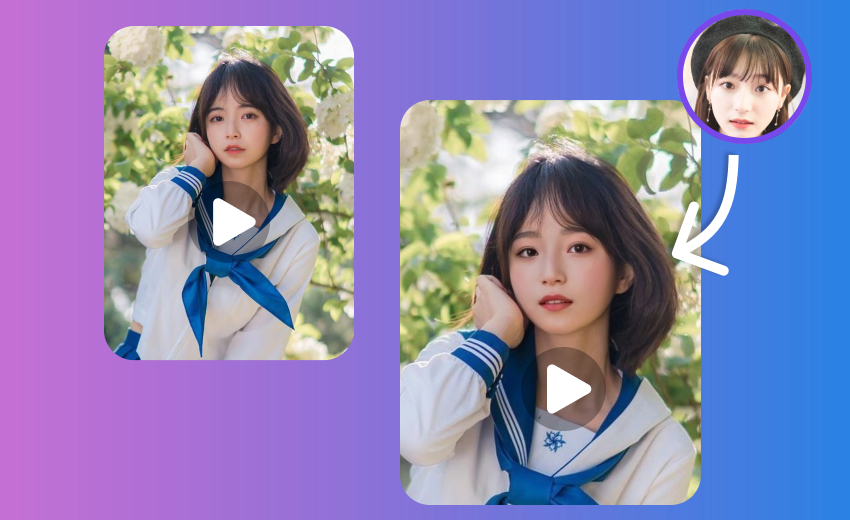
Video Face Swap
Swap faces in videos with real-time preview and HD output.
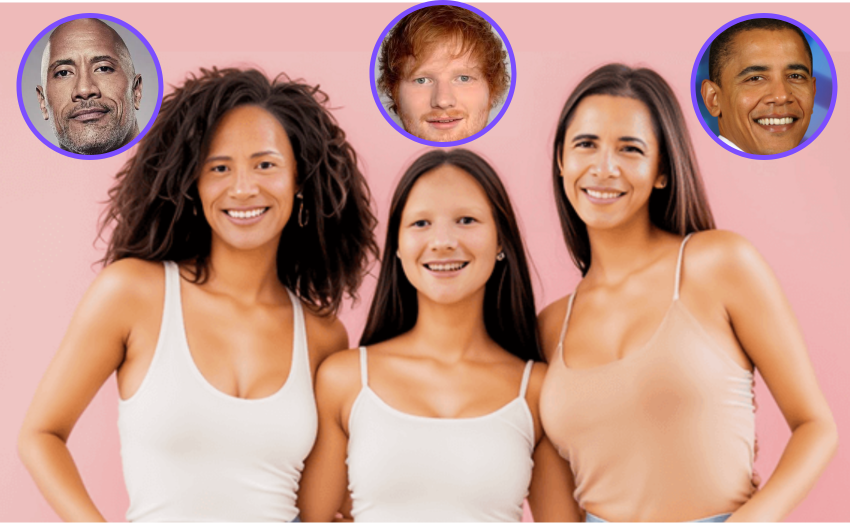
Multiple Face Swap
Swap multiple faces in group photos at once.
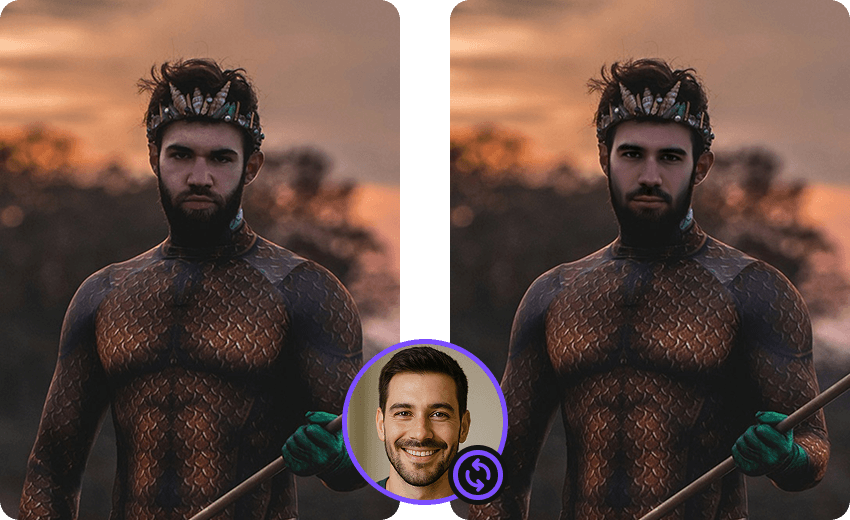
Movie Face Swap
Star in iconic movie scenes with celebrity face swap.

Meme Face Swap
Create hilarious memes with face swap in seconds.
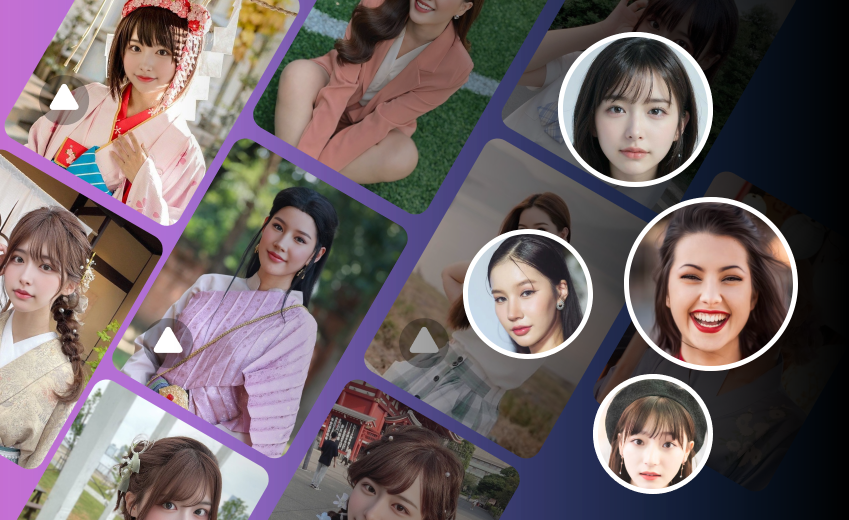
AI Face Swap
Advanced deep learning technology for realistic face swap.
Start Swapping Faces in Your Photos Today
Download FacePika and experience the most realistic AI-powered photo face swap on Android. Free to use, 100% private, stunning results.