

Multiple Face Swap for Group Photos — Swap Every Face at Once
Swap multiple faces in any group photo or video with a single tap. FacePika's AI automatically detects every face, lets you assign replacements individually, and delivers seamless results for group shots, team photos, family portraits, and party pictures — all on-device.

👥 Supports up to 6 faces in a single image with individual control
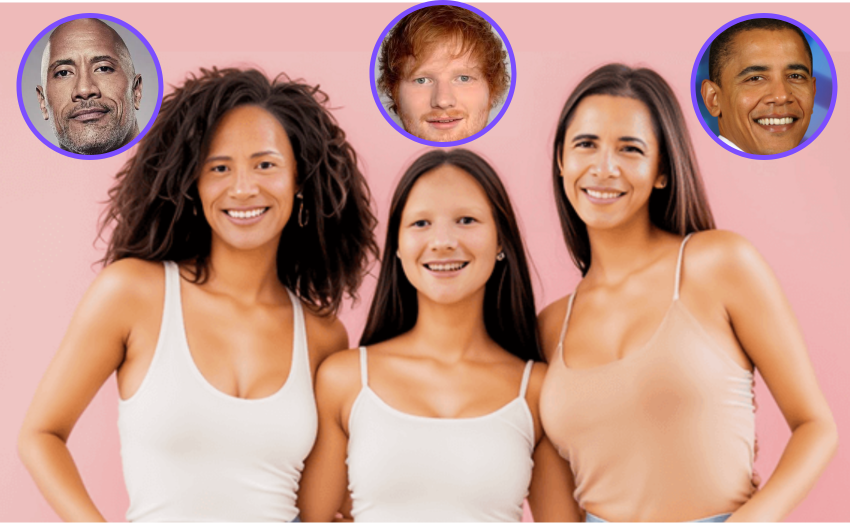
The Smartest Way to Swap Multiple Faces
FacePika brings powerful multi face swap technology to your fingertips. Whether it's a wedding group shot, a team photo, or a crowded party picture, the AI identifies every face and gives you full control to swap them one by one — or all at once. No desktop software, no uploads, no compromises.
- Auto Multi-Face DetectionThe AI instantly detects and highlights every face in the image — up to 6 faces in a single group photo. Just tap any face to select it for swapping, no manual cropping required.
- Private On-Device ProcessingEvery face in your group photo is processed 100% locally on your Android device. No images are uploaded, even when swapping multiple faces simultaneously.
- HD Multi-Face OutputEach swapped face is individually optimized for skin tone, lighting, and angle. The result is a natural-looking group photo where every face blends seamlessly.
How to Swap Multiple Faces in One Photo
Three simple steps to transform any group photo:
Multiple Face Swap — Frequently Asked Questions
Everything you need to know about swapping multiple faces with FacePika.
How many faces can FacePika detect and swap in one image?
FacePika supports up to 6 faces in a single image. The AI automatically detects every face regardless of size, angle, or position in the photo. You can swap all faces at once or select specific ones individually.
Can I assign a different replacement face to each person in the group?
Absolutely. After the AI detects all faces, you can tap each one individually and assign a unique replacement. This gives you complete control — swap one face, some faces, or every face with different sources.
Does the quality drop when swapping multiple faces at once?
No. FacePika processes each face independently through the AI pipeline, applying individual skin tone matching, lighting adaptation, and seamless blending. The output quality is the same whether you swap one face or fifteen.
How long does it take to process a group photo with multiple faces?
Processing time depends on the number of faces and your device. Typically, a group photo with 5–8 faces completes in 5–10 seconds. Even larger groups with 10+ faces usually finish within 15 seconds on modern Android devices.
What types of group photos work best for multiple face swap?
FacePika works great with all kinds of group photos — wedding shots, team photos, family portraits, party pictures, class photos, and selfies with friends. For best results, use well-lit photos where faces are clearly visible and not heavily occluded.
Explore Our AI Tools
Discover more powerful face swap features powered by FacePika's AI technology.

Photo Face Swap
Instantly swap faces in any photo with AI-powered precision.
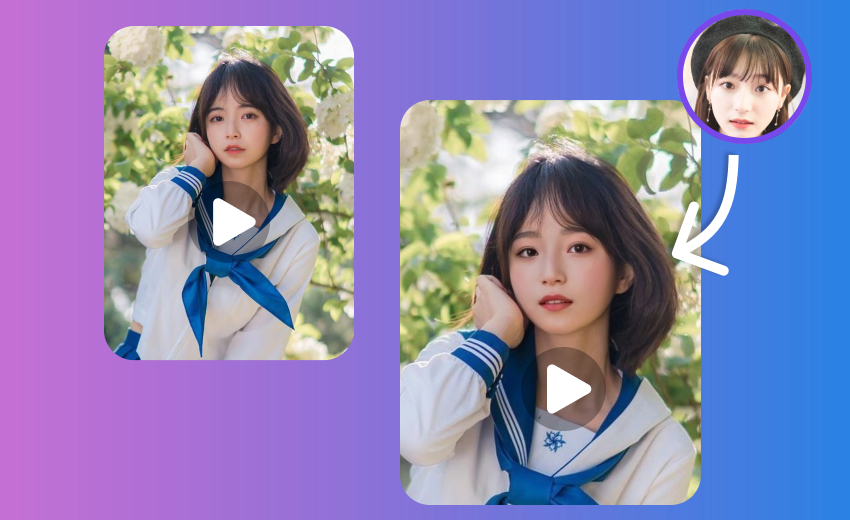
Video Face Swap
Swap faces in videos with real-time preview and HD output.
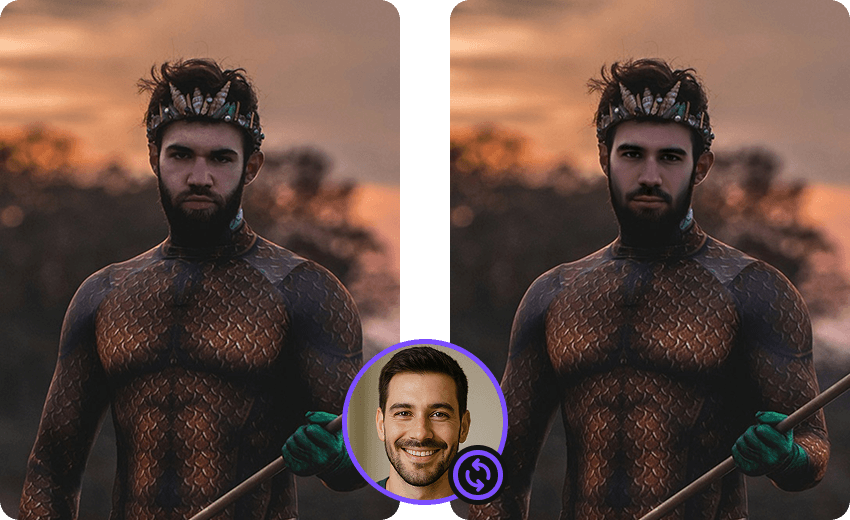
Movie Face Swap
Star in iconic movie scenes with celebrity face swap.

Meme Face Swap
Create hilarious memes with face swap in seconds.
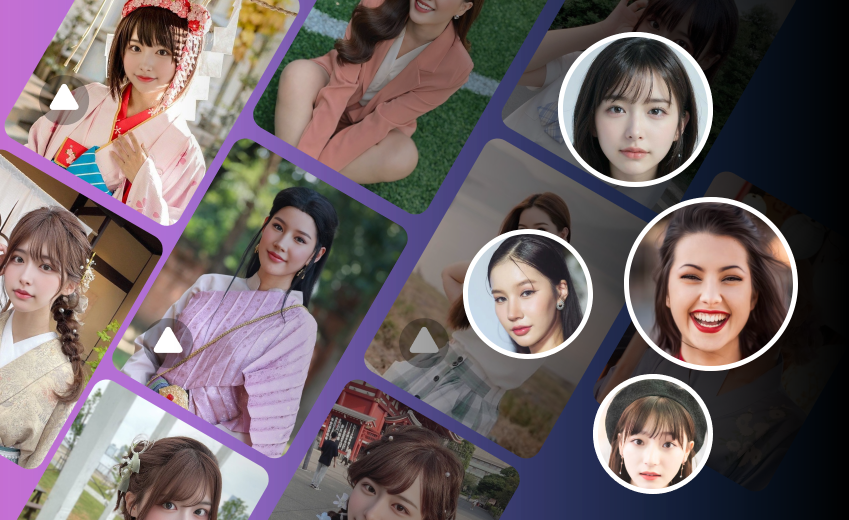
AI Face Swap
Advanced deep learning technology for realistic face swap.
Swap Every Face in Your Group Photos Today
Download FacePika and unlock the power of multiple face swap. Transform group photos, create hilarious team edits, and surprise your friends — free and private.