

Create Stunning Face Swap Video with Real-Time AI Preview
FacePika delivers the ultimate face swap in video experience on Android. Enjoy real-time preview, smooth transitions, HD output with audio preserved — all powered by 100% on-device AI processing.

🎬 Real-time video preview with frame-perfect face tracking
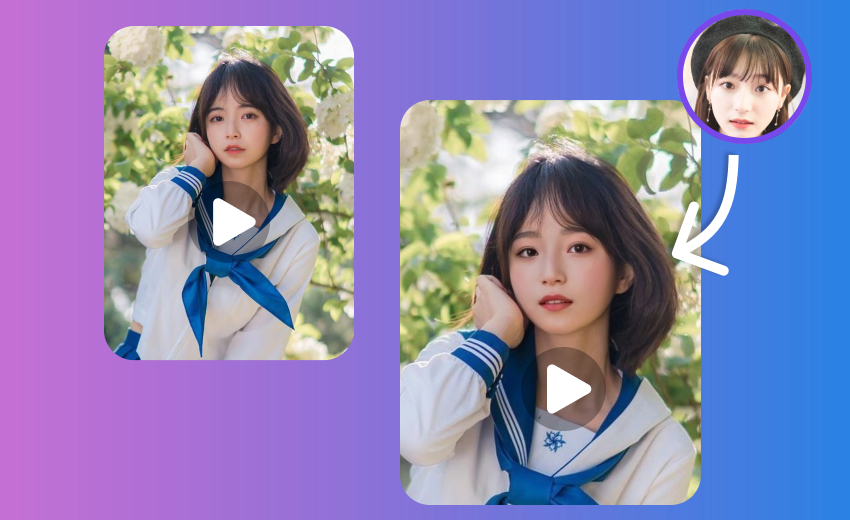
The Most Advanced Video Face Swap App
FacePika's video face changer uses cutting-edge AI to deliver seamless face swap in video with real-time preview, natural skin-tone blending, and crystal-clear HD output — all without uploading a single frame to the cloud.
- Real-Time Video PreviewWatch your face swap come to life frame by frame with our live preview engine. No more waiting — see the results as they render.
- 100% On-Device ProcessingEvery video frame is processed locally on your Android device. Your videos never leave your phone, ensuring absolute privacy.
- HD Output with AudioExport face swap videos in high definition with the original audio track perfectly preserved. Ready to share on any platform.
How to Face Swap in Video with FacePika
Create your first face swap video in three easy steps:
Face Swap Video — Frequently Asked Questions
Everything you need to know about video face swap with FacePika.
What video formats does FacePika support for face swap?
FacePika supports all common video formats including MP4, AVI, MOV, and MKV. Videos are exported in MP4 (H.264) for maximum compatibility across social media platforms.
How long does it take to process a face swap video?
Processing time depends on your device and video length. A typical 30-second clip takes 15–30 seconds on modern Android phones. Our optimized AI engine processes up to 30 fps in real time on flagship devices.
Is there a maximum video length for face swapping?
There is no hard limit. FacePika can handle videos of any length, though we recommend clips under 3 minutes for the best performance on most devices. Longer videos work fine on higher-end hardware.
Is the original audio preserved in the output video?
Yes. FacePika preserves the original audio track completely. The face swap process only modifies the visual frames while keeping the soundtrack, dialogue, and background audio untouched.
Does video face swap affect output quality?
Not at all. FacePika renders face swap videos in up to 1080p HD quality with smooth transitions between frames. Our AI ensures consistent skin tone and lighting across every frame for a natural look.
Explore Our AI Tools
Discover more powerful face swap features powered by FacePika's AI technology.
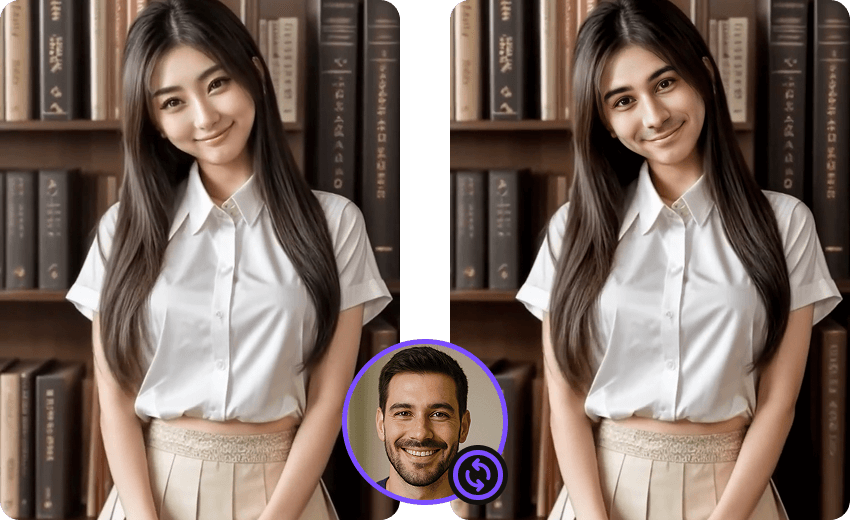
Photo Face Swap
Instantly swap faces in any photo with AI-powered precision.
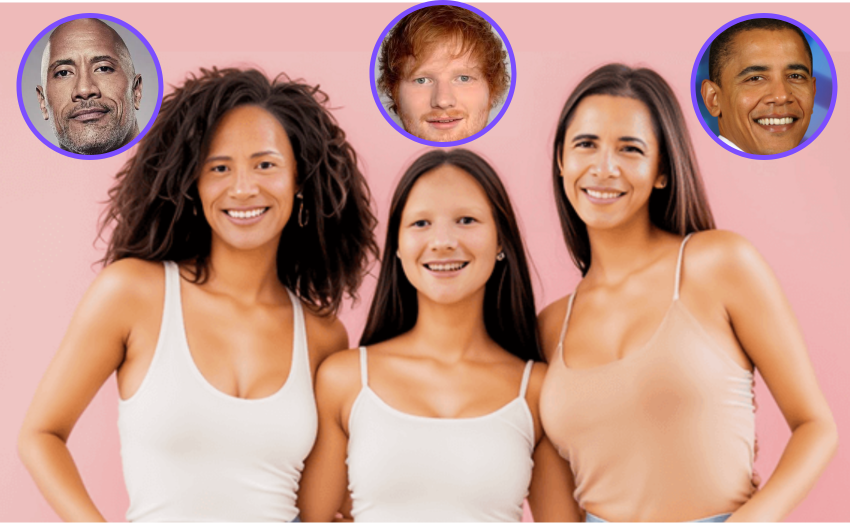
Multiple Face Swap
Swap multiple faces in group photos at once.
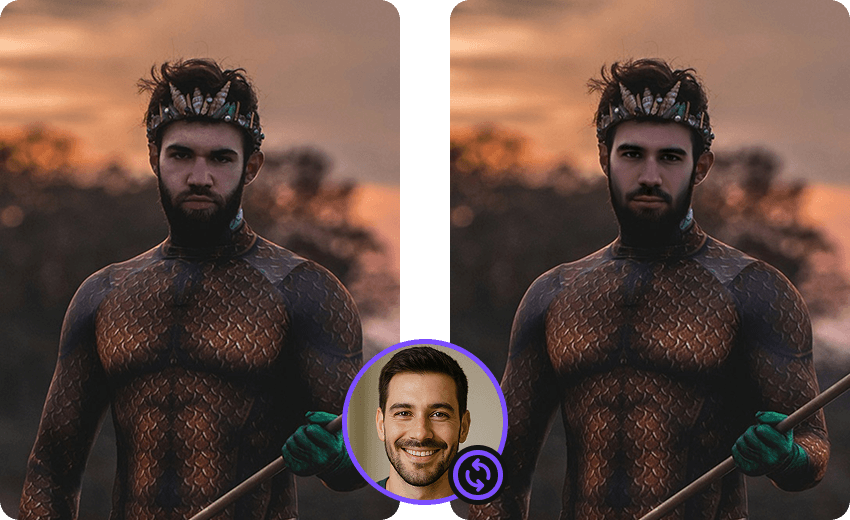
Movie Face Swap
Star in iconic movie scenes with celebrity face swap.
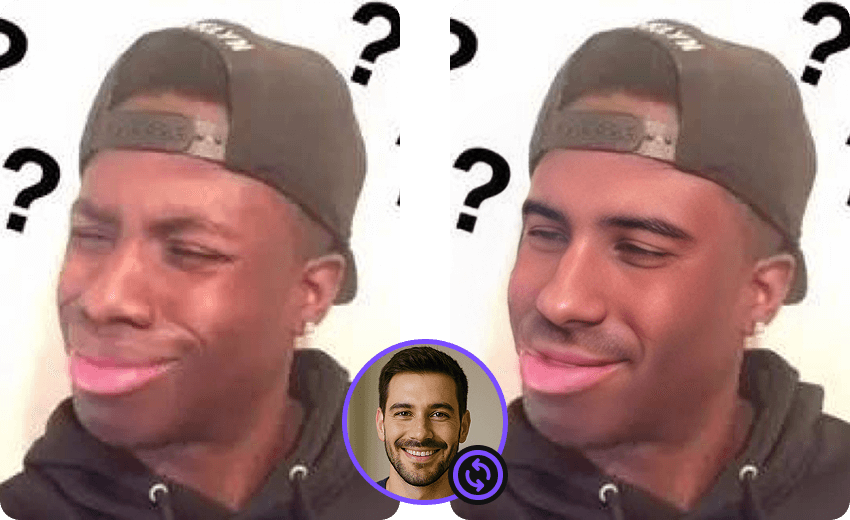
Meme Face Swap
Create hilarious memes with face swap in seconds.

AI Face Swap
Advanced deep learning technology for realistic face swap.
Start Creating Amazing Face Swap Videos Today
Download FacePika and experience the best video face swap app on Android — real-time preview, HD quality, and total privacy.